GitHub Permalink Expansion v1.0.0~
When you expand a GitHub permalink pinned to a commit SHA, babyrite expands the linked file's content directly as a syntax-highlighted code block.
This feature is gated by a feature flag
To use it, you need to enable the corresponding key under [features] in config.toml.
[features]
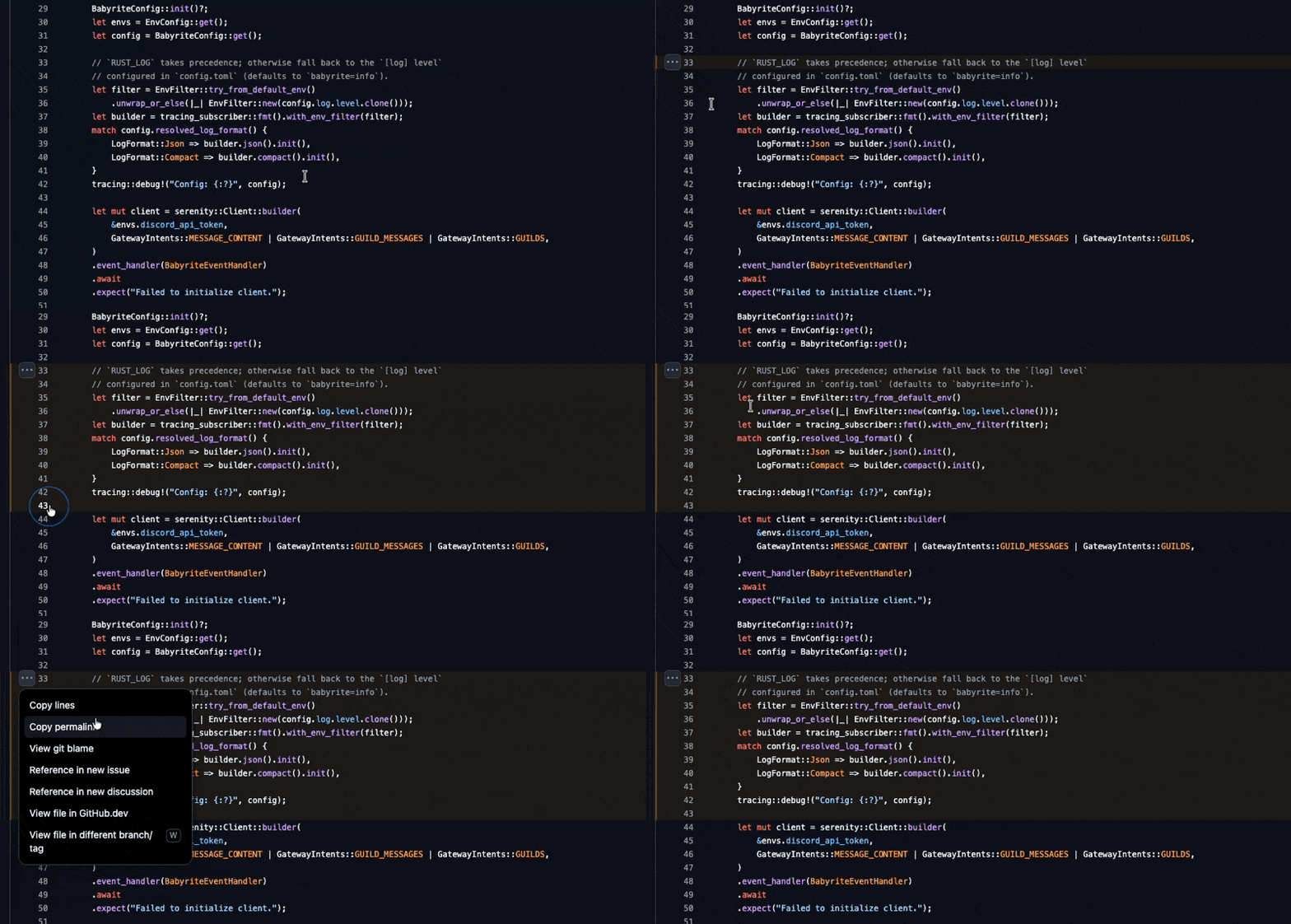
github_permalink = truehttps://github.com/m1sk9/babyrite/blob/52731e2a66c5647b3bd30b429af87c5e181e3434/src/main.rs#L44-L50You can copy a permalink with the following steps.
- Open the source code on GitHub
- Select the starting line
- Hold
Shiftand select the ending line - Click
Copy permalink
- Expands up to 3 links per message.
- Duplicate URLs are ignored.
Supported patterns
The permalink patterns babyrite supports are:
https://github.com/{owner}/{repo}/blob/{ref}/{path}
https://github.com/{owner}/{repo}/blob/{ref}/{path}#L{line}
https://github.com/{owner}/{repo}/blob/{ref}/{path}#L{start}-L{end}{ref}supports the following formats.- A commit SHA (4 to 40 hex digits)
- A branch name (e.g.
mainorfeat/add-github) - A tag name (e.g.
release-v1.0,v2.9.0)
- Query strings are discarded.
Content fetch limits
Content is fetched from https://raw.githubusercontent.com/.
The response body is read incrementally and the transfer is aborted as soon as enough lines for the code block have arrived, so the rest of the file is never downloaded. A file larger than 1MB can therefore still be previewed, as long as the lines that are actually displayed fit within the limit.
If the bytes read up to the last displayed line exceed 1MB (1_048_576 bytes), the fetch is aborted and an error is returned. The limit is applied to the bytes actually received rather than to Content-Length, because raw.githubusercontent.com may respond with chunked transfer encoding, in which case that header is absent.
The whole request (connect, response, and body read) is bounded by a 10 second timeout.
Canceling a preview
If you don't want a link previewed, wrap it in <> and it will be ignored.
<https://github.com/m1sk9/babyrite/blob/52731e2a66c5647b3bd30b429af87c5e181e3434/src/main.rs#L44-L50>